

Let me be straight with you from the beginning.
If you searched “CapCut Pro free download” hoping to find a cracked APK or some hacked version — this guide is not that. Those files are dangerous, they carry malware, and they can compromise your phone or computer.
But here’s the good news: you don’t need any of that. There are actually multiple legitimate, 100% safe ways to access CapCut Pro features for free in 2026 — and some of them give you weeks or even months of Pro access without spending a single rupee.
I’ve tested and verified every method in this guide. Let’s go through them one by one.
First — What Is CapCut Pro and Is It Actually Worth It?
Before jumping into the free methods, it’s worth understanding what CapCut Pro actually gives you — because a lot of people upgrade without knowing exactly what they’re getting.
CapCut’s free version is already excellent. It includes multi-track editing, keyframe animation, chroma key, auto-captions, AI background removal, and 1080p export with no watermark on your own footage. For most casual creators, the free plan is genuinely sufficient.
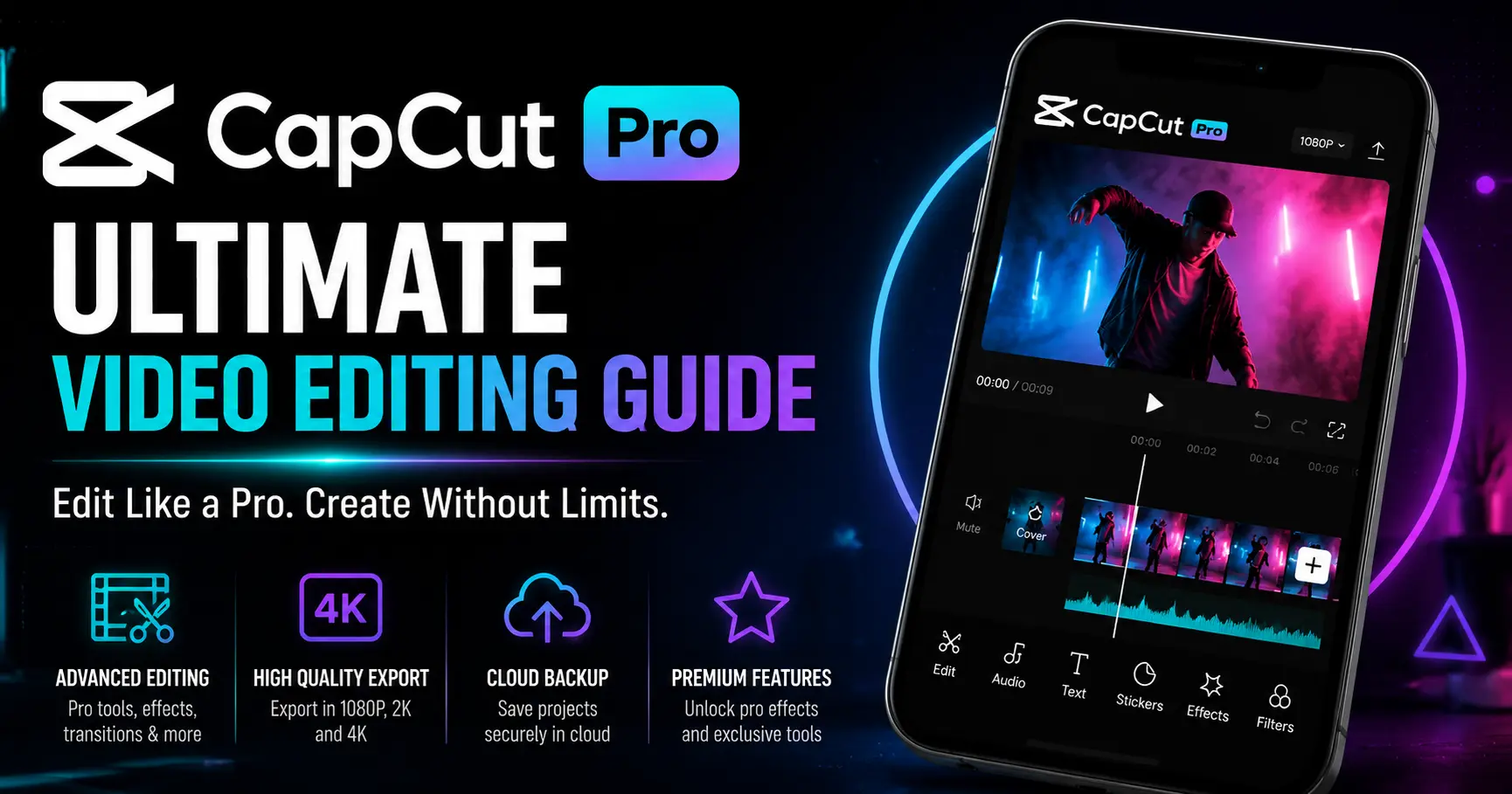
CapCut Pro unlocks the features that matter for serious content creators:
What Pro adds over the free version:
| Feature | Free | Pro |
|---|---|---|
| Export resolution | 1080p max | 4K Ultra HD |
| Auto-captions | 10 min per video | Unlimited |
| AI background removal | 5 times/month | Unlimited |
| AI auto-edit | 5 times/month | Unlimited |
| Motion tracking | Not available | Full access |
| Vocal isolation | Not available | Full access |
| Premium templates | Watermarked export | No watermark |
| Stock library | Basic | Full library |
| Text-to-video AI | Not available | Available |
| Cloud storage | Limited | Expanded |
| Watermark on Pro templates | Yes | Removed |
CapCut Pro pricing in 2026:
- Monthly plan: $19.99/month
- Standard plan: $9.99/month
- Yearly plan: significantly cheaper per month
Now — here’s how to get all of this for free.
7 Legitimate Ways to Get CapCut Pro for Free in 2026
Method 1: Official 7-Day Free Trial (Easiest — Available to All New Users)
This is the simplest and most reliable method. CapCut offers a 7-day free Pro trial to all new users, available on mobile (Android and iOS) and desktop.
How to activate on Android:
Step 1: Download CapCut from the Google Play Store if you haven’t already
Step 2: Open the app and sign in with your Google, Facebook, or TikTok account
Step 3: Tap the “Me” tab at the bottom of the screen
Step 4: Tap “Join CapCut Pro” or look for the “Try Free” banner
Step 5: Select the 7-day free trial option
Step 6: Add a payment method — you will NOT be charged during the trial period
Step 7: Pro features unlock immediately across all your devices
How to activate on iPhone/iPad:
Step 1: Download CapCut from the App Store
Step 2: Open the app and go to your profile tab
Step 3: Tap “Join Pro” or the upgrade banner
Step 4: Select the free trial option
Step 5: Confirm with Face ID, Touch ID, or your Apple ID password
Step 6: No payment is taken immediately — trial starts right away
How to activate on Desktop (PC or Mac):
Step 1: Download CapCut Desktop from capcut.com
Step 2: Sign in to your account
Step 3: Click your profile icon in the top right corner
Step 4: Click “Join Pro” or “Upgrade”
Step 5: Look for the free trial promotion banner and follow the prompts
Important notes about the trial:
- You must cancel before the 7 days end to avoid being charged
- Cancel at least 24 hours before the renewal date — app stores can process renewals early
- After canceling, you keep Pro access until the trial period expires
- The trial is typically only available once per account
How to cancel before being charged:
On iPhone: Settings → Apple ID → Subscriptions → CapCut Pro → Cancel Subscription
On Android: Google Play → Payments & Subscriptions → CapCut Pro → Cancel
On Desktop: CapCut app → Profile → Subscription → Cancel
Method 2: 30-Day Free Trial for Desktop Users
Here’s something most people don’t know: desktop users often get a longer free trial than mobile users.
CapCut Desktop has been offering a 30-day free Pro trial for eligible new users — that’s a full month of 4K exports, unlimited AI tools, and zero watermarks. This offer isn’t always visible on mobile, but if you sign up or check through the desktop app, you may see it.
How to check if you’re eligible:
Step 1: Download CapCut Desktop from capcut.com
Step 2: Sign in with your CapCut account
Step 3: Click your Profile icon in the top right
Step 4: Click “Join Pro” or “Upgrade”
Step 5: Look carefully at the trial options — if the 30-day offer appears, take it
Step 6: If you only see 7 days on desktop, try signing into the same account on mobile to compare offers
The 30-day trial is not guaranteed for everyone — it appears for eligible accounts, particularly those that haven’t previously activated a trial. But it’s worth checking before assuming you only have 7 days.
Method 3: Invite Friends Program — Earn Up to 70 Free Pro Days
This is the method that can give you the most free Pro time if you have friends or followers who use CapCut.
CapCut’s desktop app has an invite program where you earn free Pro days every time a friend who has never used CapCut on PC before installs the app and activates the reward through your invite link.
How it works:
Step 1: Open CapCut Desktop and go to your profile or Pro subscription page
Step 2: Find the “Invite Friends” section — it usually shows how many Pro days you can earn
Step 3: Copy your personal invite link
Step 4: Share it with friends who have never used CapCut on PC before
Step 5: Once they install and activate within 3 days, your Pro days are added automatically
Rules to know:
- Only works for PC/Desktop (mobile invites don’t count)
- The person you invite must never have installed CapCut on a computer before
- They must redeem the reward within 3 days of installing
- You cannot invite yourself or the same person twice
- Once your friend redeems the reward, they can also invite others and earn Pro days
If you have a social media following, posting your invite link to creator communities (Discord servers, Reddit threads, YouTube community posts) can earn you significant free Pro time without any additional cost.
Method 4: Student Discount
If you have a valid student email address (.edu or equivalent from your institution), CapCut offers a student discount on Pro subscriptions that significantly reduces the cost — often by 50% or more.
This isn’t fully free, but it’s the most affordable legitimate path to ongoing Pro access for students. Combined with the initial free trial, you can get weeks of free Pro before the discount kicks in.
How to check eligibility:
Step 1: Go to capcut.com and navigate to the Pro or pricing page
Step 2: Look for a “Student Discount” or “Education” option
Step 3: Verify your student status with your .edu email
Step 4: The discounted rate applies to your subscription after verification
Even if you’re not a student, checking whether your educational institution has any software access arrangements with CapCut is worth a few minutes.
Method 5: Promotional Codes and Seasonal Offers
CapCut periodically runs promotional campaigns — particularly around major holidays, product launches, and creator events — that offer extended free trials or discounted subscriptions.
The best ways to stay aware of these:
Follow CapCut’s official accounts: Their TikTok, Instagram, and YouTube accounts frequently announce promotions and creator challenges that include Pro access rewards.
Check the app regularly: Promotional banners appear directly in the CapCut app for eligible users. Opening the app during promotional periods often reveals offers not advertised elsewhere.
Watch for creator challenge rewards: CapCut runs editing challenges where winners or participants receive Pro access. These are worth entering both for the practice and for the potential rewards.
Subscribe to CapCut’s email newsletter: Promotional codes and exclusive offers are sometimes sent directly to email subscribers before being announced publicly.
Method 6: Cancel and Retention Offer
This method works after you’ve already had a Pro subscription and are considering canceling.
When you go through the cancellation process for CapCut Pro, the app often presents a retention offer — a discounted rate or a free extension period to convince you to stay. This is a common practice across subscription services and it genuinely works with CapCut.
How to access the retention offer:
Step 1: Log into your CapCut account
Step 2: Navigate to your subscription settings
Step 3: Begin the cancellation process
Step 4: When prompted about why you’re canceling, select cost-related reasons
Step 5: Wait for the retention offer to appear — this is typically a discounted rate or additional free days
Step 6: Accept the offer if it meets your needs, or continue canceling if it doesn’t
This method requires having an active paid subscription, so it’s more useful for people who have already upgraded and are looking to reduce their ongoing cost.
Method 7: Use the Free Version More Strategically
This isn’t exactly a way to get Pro for free — but it’s the method that most creators overlook, and it might mean you don’t need Pro at all.
The free version of CapCut is more capable than most people realize. Here’s how to maximize it:
Use only free templates: Free templates export without watermarks. Before using any template, check whether it has a crown icon (Pro only) — if it does, find a free alternative.
Work around the auto-caption limit: The 10-minute auto-caption limit per video applies per processing session. For longer videos, you can process sections separately.
Batch your AI background removals: With 5 free background removals per month, plan your content calendar to use them on your highest-priority videos.
Export personal footage at 1080p: The watermark only appears when you use Pro templates. Your own footage exports clean at 1080p on the free plan — which is sufficient for most social media platforms.
Use CapCut online for quick edits: The browser-based editor has slightly different feature availability and sometimes offers access to tools that appear limited on mobile.
What About CapCut Pro APK Downloads? (Important Warning)
If you search for “CapCut Pro free download APK” or “CapCut Pro MOD APK,” you’ll find dozens of websites offering what they claim are unlocked Pro versions for free.
Do not download these. Here’s why:
Security risk: Modified APK files from unofficial sources frequently contain malware, spyware, or adware. Installing them gives unknown parties access to your device.
Data theft: Many fake APK sites are specifically designed to harvest login credentials, payment information, or personal data from your device.
Account banning: Using modified versions of CapCut violates their terms of service. If detected, your account can be permanently banned, losing all your saved projects and cloud storage.
No updates: Unofficial APKs don’t receive official updates, meaning you get bugs and security vulnerabilities with no fixes.
It’s unnecessary: Given the multiple legitimate free methods listed above, there’s no practical reason to risk your device security for something you can get safely.
The official CapCut app — which is free to download and already includes a generous free tier — is available from the Google Play Store, Apple App Store, and capcut.com. Always use these official sources.
CapCut Pro Features: Complete Breakdown
For anyone considering whether Pro is worth it, here’s a detailed look at what each Pro feature actually does in practice:
4K Export
Export your videos at up to 4K resolution (3840 x 2160 pixels). This matters if you’re producing content for YouTube where 4K gets preferential treatment in recommendations, or if you need high-resolution output for commercial use. For TikTok and Instagram Reels, 1080p is sufficient for most purposes.
Unlimited Auto-Captions
The free plan limits auto-captions to 10 minutes per video. For YouTubers producing longer content, this is the feature that most often drives the upgrade decision. Pro removes this limit entirely, making it practical for any video length.
Unlimited AI Background Removal
Remove backgrounds from video footage automatically, without a green screen. The free plan allows 5 uses per month — Pro makes it unlimited. Essential for creators who regularly produce talking-head content against custom backgrounds.
Motion Tracking
Attach text, stickers, or effects to a specific object or person in the video so they move with it as the camera moves. This technique appears constantly in professional social media content and was previously only available in expensive desktop software.
Vocal Isolation
Separate voice audio from background music or ambient noise in a recording. Extremely useful for cleaning up footage recorded in imperfect acoustic environments, or for extracting clean voiceover from a video that also has music playing.
Text-to-Video AI
Generate video clips from text descriptions using AI. This is the most advanced Pro feature and allows creators to generate visual content without any filming. Available exclusively in the Pro tier.
Premium Template Library (No Watermark)
Access to the full template library without the watermarks that appear on Pro templates exported under the free plan. If template-based content creation is central to your workflow, this is a significant quality-of-life improvement.
CapCut Pro vs Alternatives: Is It the Best Value?
How does CapCut Pro compare to other paid video editing options?
CapCut Pro vs Adobe Premiere Pro Adobe Premiere Pro costs significantly more ($54.99/month for Creative Cloud) and has a much steeper learning curve. For short-form social media content, CapCut Pro is the more practical choice. For professional film and broadcast work, Premiere remains the industry standard.
CapCut Pro vs DaVinci Resolve (paid) DaVinci Resolve’s paid version ($295 one-time) offers more advanced color grading and audio tools. For creators who prioritize color work, it’s worth considering. For general social media content, CapCut Pro is more accessible and more regularly updated with social-platform-specific features.
CapCut Pro vs InShot Pro InShot Pro costs around $3.99/month and covers similar ground for mobile editing. CapCut Pro edges ahead with stronger AI features and the availability of a full desktop version. InShot is simpler if you specifically want a lighter mobile-only tool.
CapCut Pro vs VN Video Editor (free) VN remains completely free with no paid tier. It lacks CapCut’s AI features but handles core editing competently. If budget is the primary concern and AI features aren’t essential, VN is a legitimate free alternative.
Step-by-Step: Getting Started With CapCut Pro Features
Once you have Pro access (through any of the methods above), here’s how to actually use the key features:
To export in 4K: Finish editing your video → tap Export → tap Resolution → select 4K → tap Export again. Note: 4K export requires a device capable of handling the output. Older smartphones may have limited 4K export support.
To use motion tracking: Select a video clip in your timeline → tap “Tracking” from the bottom menu → place the tracking box on the object or person you want to track → tap “Start Tracking” → CapCut analyzes the footage → add your text or sticker element → it will automatically follow the tracked object.
To use vocal isolation: Select your video or audio clip → tap “Audio” → tap “Vocal Isolation” → CapCut separates the voice from background audio → you can then adjust the balance between voice and background independently.
To use unlimited auto-captions: Import your video → tap “Text” from the bottom menu → tap “Auto Captions” → select your spoken language → tap “Start” → CapCut generates captions for the entire video regardless of length.
Frequently Asked Questions
Can I use CapCut Pro free forever? No. The free methods provide temporary access — the trial lasts 7 or 30 days, and the invite program gives you earned days. For ongoing Pro access beyond these methods, a subscription is required.
What happens after my free trial ends? If you cancel before the trial ends, your account automatically reverts to the free tier with no charge. If you don’t cancel, you’re charged the subscription rate you agreed to when activating the trial.
Is CapCut Pro available in Pakistan and India? CapCut has faced regional restrictions in some countries. If the app or website is blocked in your region, a VPN connecting through the US, UK, or Canada can allow access. Use a reputable VPN provider — ProtonVPN is a reliable free option.
Can I share one CapCut Pro account across devices? Yes. CapCut Pro is linked to your account, not a specific device. Sign in with the same account on your phone, tablet, and desktop to access Pro features on all of them.
Do I need a credit card for the free trial? Yes, a valid payment method is required to activate the trial. You’re not charged during the trial period, but the card is required for verification purposes.
Can I get a refund if I forget to cancel? CapCut’s refund policy varies by region and the platform through which you subscribed (App Store, Google Play, or direct). Contact CapCut support promptly if you’re charged unexpectedly — refunds are handled case-by-case.
Final Verdict
CapCut Pro is genuinely good software at a reasonable price. But the multiple legitimate free methods available in 2026 mean there’s no reason to pay immediately — or to risk your device with unofficial downloads.
Start with the 7-day trial (or 30-day desktop trial if you’re eligible). Use the time to test whether the Pro features — particularly 4K export, unlimited captions, and motion tracking — are actually essential for your content workflow. Most creators find that 2 or 3 specific Pro features are what they actually need, which makes the upgrade decision clear.
If you have friends who haven’t tried CapCut on desktop, the invite program can extend your free access significantly. And for ongoing access at the lowest cost, the yearly subscription plan offers the best value if you decide to commit.
Whatever you do — download from the official sources only. The legitimate free options are better than any cracked alternative.
Disclaimer: CapCut’s pricing, trial availability, and features change regularly. Always verify current offers inside the official CapCut app or at capcut.com before making any decisions. Trial availability varies by region and account eligibility.